iOS: Sprachdiktate ohne App-Wechsel

A minimal iOS custom keyboard that records your voice from inside the keyboard, so you can dictate into any app without bouncing to the keyboard’s containing app and back.

GitHub.com/stephancill

Statt über native Audio-Schnittstellen greift die Tastatur mithilfe einer eingebetteten WebKit-Instanz aufs Mikrofon zu. Die Konsequenz sieht so aus.

Das Raycast-Team stöberte den unglaublich praktischen Workaround auf, den in den letzten Tagen jede populäre Drittanbietertastatur für Sprachdiktate eingebaut hat. Jetzt warten wir auf Apples Reaktion?!

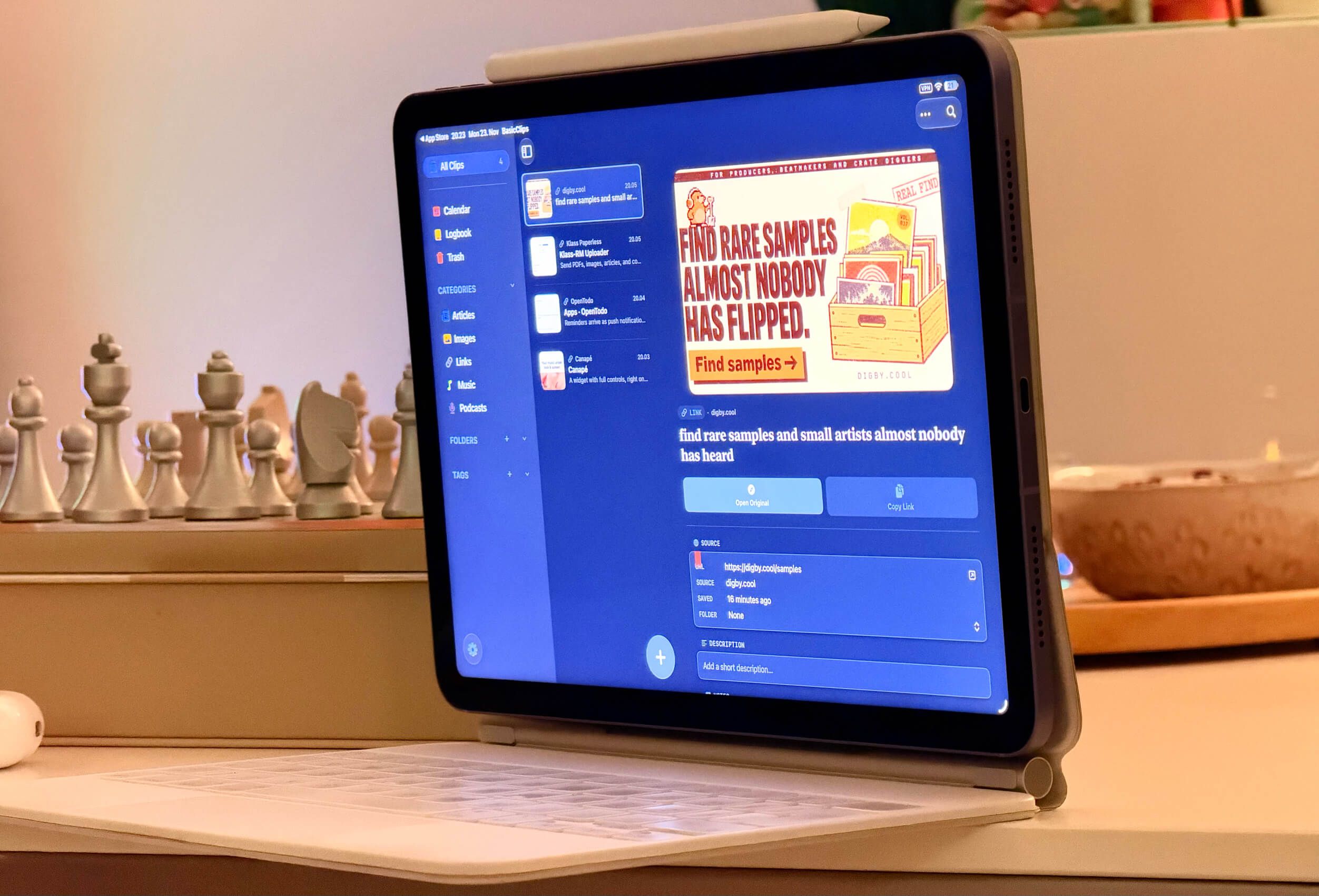
„BasicClips“

A tablet with a keyboard case is placed on a table displaying a digital note-taking app with a highlighted note about finding rare samples almost nobody has flipped. To the left of the tablet is a chess set with chess pieces arranged on a board, and in the background on the right is a bowl on a wooden surface.

Things have felt so busy and chaotic lately that having one place to collect all the little things I come across but don’t necessarily have time to deal with right away has been invaluable. I can save something in a few seconds, forget about it for the moment, and come back to it when I actually have the time to give it some attention.

Which, really, was the whole reason I wanted to build BasicClips in the first place.

Basic Apple Guy

Kostenlos, hübsch, sehr verspielt und getreu dem Motto: „This is my bookmarking app. There are many like it, but this one is mine.“

Kalenderwoche 47: Wein und Design

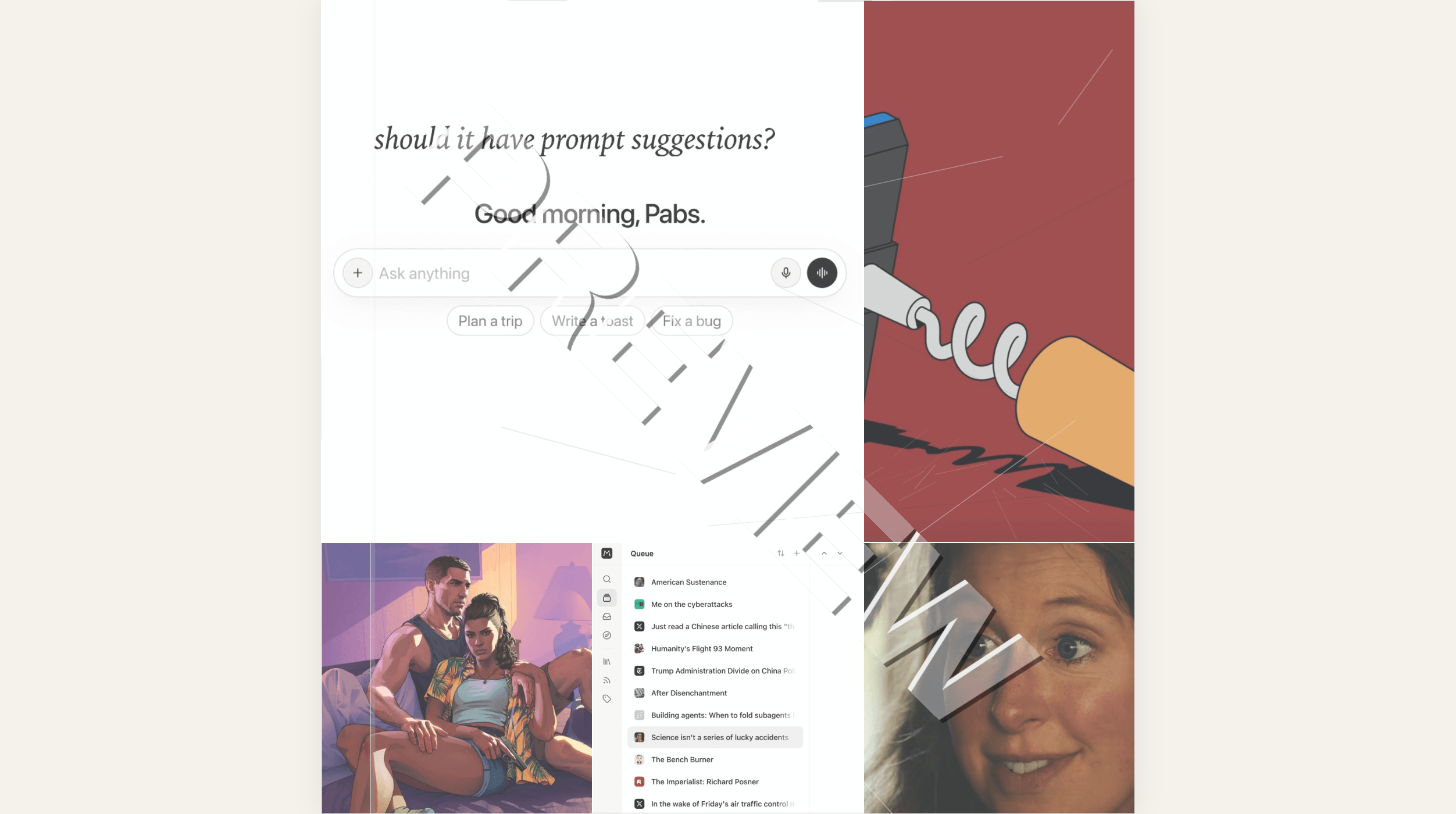
A collage with the text “should it have prompt suggestions?” above a chat interface greeting “Good morning, Pabs.” The interface has a prompt bar and buttons labeled “Plan a trip,” “Write a toast,” and “Fix a bug,” beside a cartoon hand holding a corded device. Along the bottom are an illustrated group of people, a narrow queue of article titles, and a close-up of a smiling woman. The collage sits on a pale background.

Zeug aus KW47, das ich gelesen, geschaut, gehört und insgesamt genossen habe …

iPhoneBlog #one kann man abonnieren. Alle Abonnent:innen bekommen jede Woche ein neues „Gewusst-wie”-Video, einen wöchentlichen Mini-Podcast, den Zugriff auf alle bereits veröffentlichten Episoden sowie die Einladung zu einer ganz besonderen Community im privaten Slack-Kanal.

iPhoneBlog #one ist ausschließlich von Lesern und Leserinnen finanziert und unterstützt direkt das iPhoneBlog.

Per Kabel: iOS-Updates bei knappem Speicherplatz am Mac

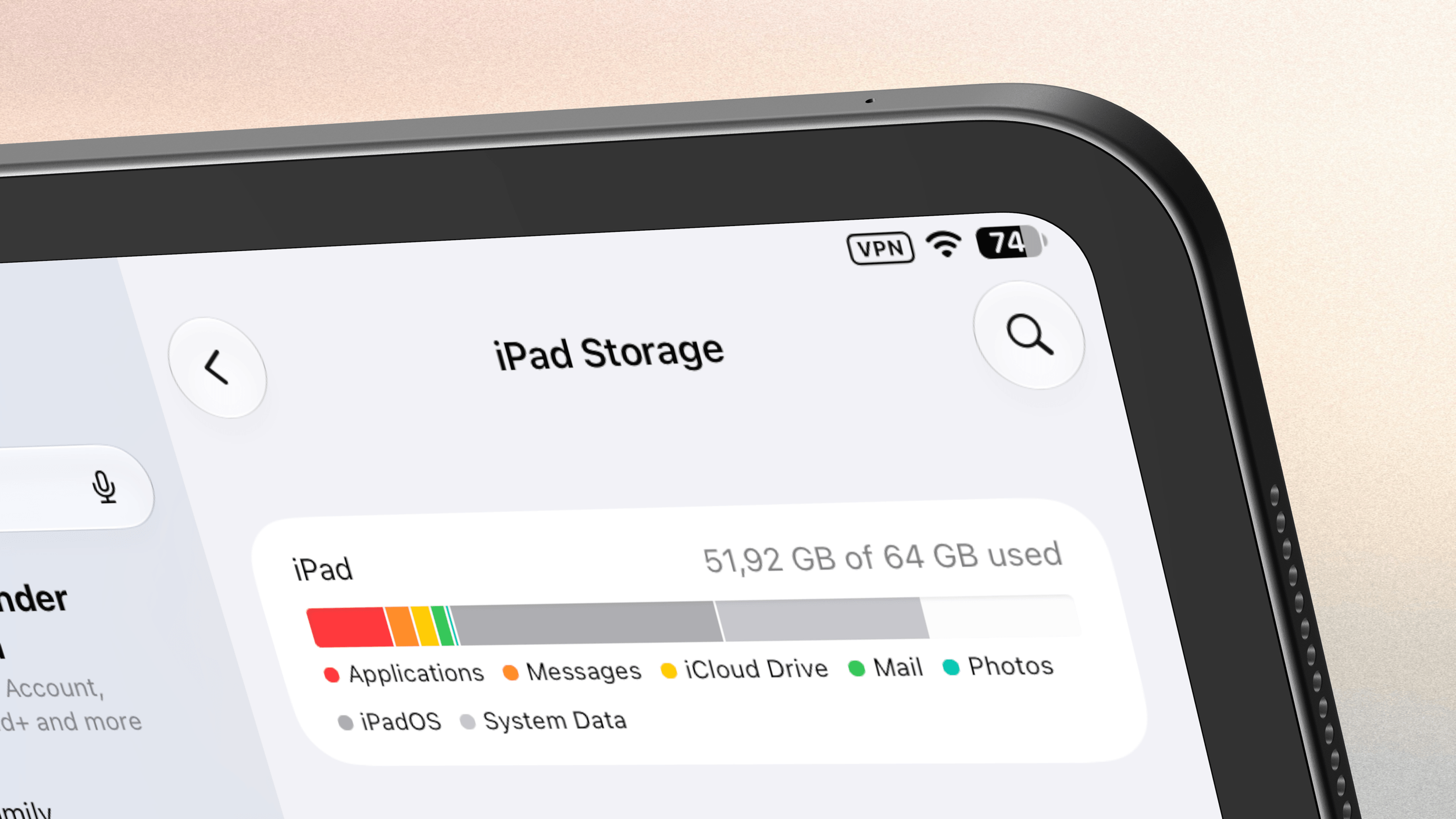
Wenn ihr demnächst wieder weihnachtlichen Technik-Support leistet, erinnert euch daran, dass sich iPhones und iPads mit wenig freiem Speicherplatz auch über ein Kabel am Mac aktualisieren lassen. So richtig oldschool!

Close-up of an iPad screen showing the iPad Storage settings, with a storage bar indicating 51.92 GB of 64 GB used, broken down by categories like Applications, Messages, iCloud Drive, Mail, Photos, iPadOS, and System Data. The top right corner shows icons for VPN, Wi-Fi, and battery at 74%.

iPhone- und iPad-Geräte können auch Softwareupdates erhalten, wenn sie über den Finder oder den Apple Configurator oder mit der App „Apple-Geräte“ auf einem PC physisch verbunden sind. Bei einer physischen Verbindung wird eine vollständige Kopie von iOS oder iPadOS geladen, vorbereitet und installiert. Apple Configurator kann diesen Prozess auch automatisieren.

support.apple.com

Für ein „Over-the-Air“-Update wird Speicherplatz für das Download-Paket und temporäre Installationsdateien benötigt. Das erhöht den tatsächlichen Platzbedarf gegenüber der Downloadgröße erheblich. Bei einer Aktualisierung über den Mac werden Download und Vorbereitung dagegen weitgehend auf den Mac ausgelagert.

Es ist ein Tipp, den ich fast zu banal finde, um ihn hier aufzuschreiben. Zumindest bis ich selbst vor dem Problem stand.

Tipp: meine iOS-Standard-Apps

➝ YouTube

Im Video: „Standard-Apps für Funktionen auf dem iPhone und iPad ändern“

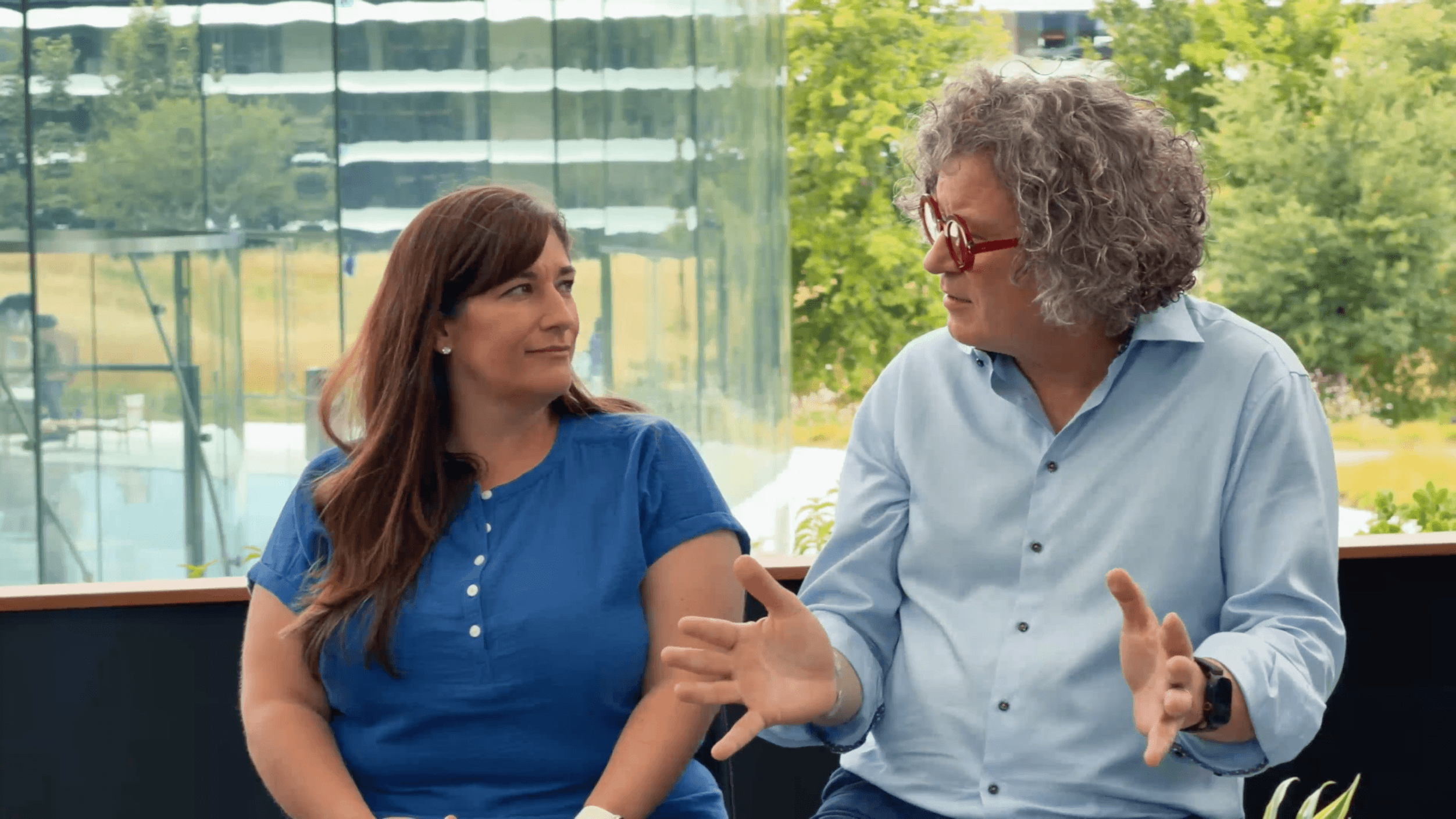
„Apple’s iPhone Camera and Photos Software Chief Jon McCormack Leaves Company“

A man with curly gray hair and red glasses wearing a light blue shirt is talking and using hand gestures while a woman with long brown hair in a blue shirt is listening attentively. They are sitting indoors near a large glass window with trees and an outdoor scene visible behind them.

via @TylerStalman

“A photograph is of something that actually happened,” McCormack told Wired earlier this year. “It’s really important to us that we create tools that keep the sanctity of that moment.” Still, the executive’s retirement wasn’t related to a disagreement or clash with Apple over its AI strategy, the people said.

McCormack reported to Craig Federighi, Apple’s senior vice president of software engineering, whose organization is under pressure to accelerate AI development and deliver new capabilities more quickly. The retirement leaves Federighi overseeing a leadership transition in a highly specialized area.

Bloomberg | Mark Gurman

McCormack ist Fotograf, Buchautor (Affiliate-Link), überraschend häufiger Podcast-Gast und steuerte im Laufe der Jahre viele gewichtige Zitate zur Diskussion über (iPhone-)Fotografie bei.

Wie etwa im Jahr 2024: „Here’s our view of what a photograph is. The way we like to think of it is that it’s a personal celebration of something that really, actually happened.“

#532 – Quiche Browser

Safari und ich treffen uns mittlerweile vornehmlich am Mac – mein erneuter Anlauf, Quiche als Standardbrowser zu nutzen, ist geglückt.

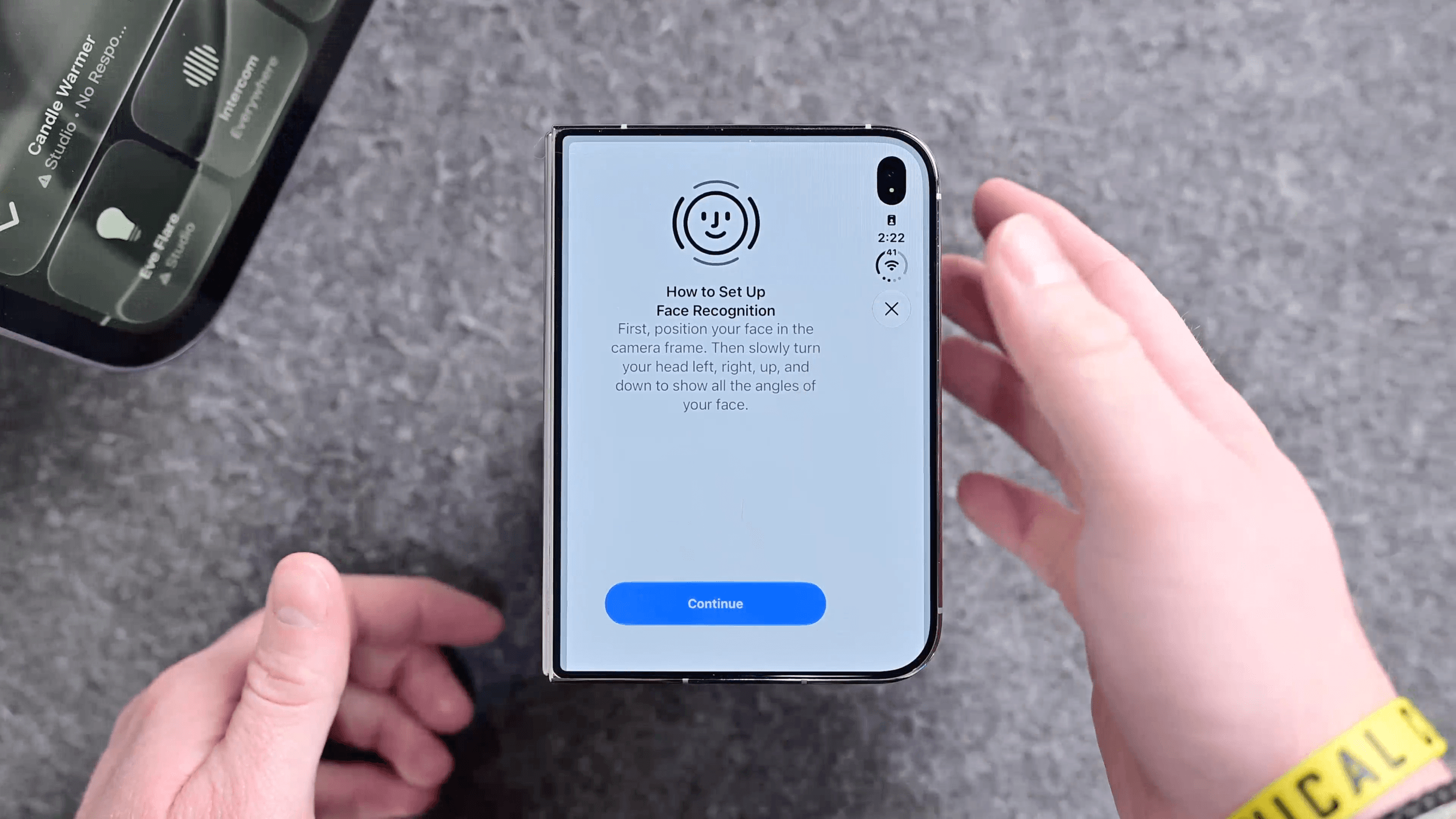
„Entsperren per Gesicht“ ungleich Face ID

„Entsperren per Gesichtserkennung“ – ähnlich wie beim HomeView – erreicht das iPhone Duo … unerwartet.

A person holds a foldable smartphone displaying a screen with instructions on how to set up face recognition. The device shows a smiley face icon and a blue continue button, and both of the person's hands are visible around the phone on a grey surface.

via @AppleInsider

Apple beziffert die Wahrscheinlichkeit einer fälschlichen Authentifizierung bei Face ID auf 1:1.000.000 und bei Touch ID auf 1:50.000. Für „Face Unlock“ fehlt bislang eine entsprechende Angabe in ihrer Sicherheitsdokumentation.

Apple told Gizmodo over email that the “Unlock with Front Camera” does not have the same protections as Face ID or Touch ID. Apple also says that the camera-based unlock is about as accurate as Touch ID’s 1 in 50,000 probability, and also added that it’s one of the most secure RGB camera face unlock features.

Gizmodo | Raymond Wong

Es ist eine überraschend flotte und praxisnahe Reaktion direkt nach Release des Telefons. Apples Secure Exclaves schützen die Verarbeitung sensibler Kameradaten vor dem Zugriff des Betriebssystems. Wie gut die biometrischen Daten abgeschottet sind und wie zuverlässig die biometrische Authentifizierung ist, sind allerdings zwei sehr unterschiedliche Sicherheitsfragen.

Und genau diese Differenzierung verkompliziert, was sichere Authentifizierung bedeutet. Wir lernten in den letzten Jahren, dass ein Blick aufs iPhone eine sichere Authentifizierung ist. Jetzt ist ein Blick aufs iPhone nicht gleich einem Blick aufs iPhone.

Klar, das Face-ID-System war für HomeView schlicht zu teuer. Und zugegeben: Im eigenen Zuhause ist es mitunter Overkill. Trotzdem ist die Erklärung der sehr unterschiedlichen biometrischen Authentifizierungsverfahren … schwierig.

Verständlicher wird’s, wenn Kund:innen erleben, dass „Face Unlock“ nicht bei Dunkelheit funktioniert, nach 45 Minuten Inaktivität erneut nach Touch ID verlangt, grundsätzlich kein Apple Pay erlaubt oder die Passwörter-App nicht öffnet.

Die Nachrüstung per Software ist mit Sicherheit sicher genug für die meisten Nutzer:innen. Aber sollte das die Messlatte sein, nachdem Apple die unterschiedlichen Sicherheitsniveaus in den letzten Jahren derart prominent kommuniziert hat? Ist es „sicher“ oder „sicher genug“?

Und dann bleibt die Frage, ob’s eine gute Erklärung gibt, warum das Feature für Kund:innen von – sagen wir PROLEDs oder vom iPad mini – nicht zur Auswahl steht. Immerhin benötigt das Entsperren per Gesicht jetzt zwangsläufig kein Face ID mehr, sondern lässt sich per Software nachrüsten.

Face Unlock is an astounding feature to introduce in the second beta of a December point release. Touch ID defined a generation of products. Face ID defined another generation since. Entire product lines have suffered terribly for years because they were never blessed with Face ID. It was the second-highest knock against the latest iPad mini (behind the missing 120Hz ProMotion its panel is purportedly capable of — are we going to get /that/ in a software update too?)

@stroughtonsmith